

Define the businesses you want to find
Start with the problem your business solves. An accounting firm might look for recently opened businesses, while a packaging supplier might select restaurants in a particular area. Define the industry, location, expected size and likely need. A registration record helps you select companies, but a conversation establishes whether they want your offer. A focused list makes it easier to learn from responses and improve the next search.
How to search in FunnelOps
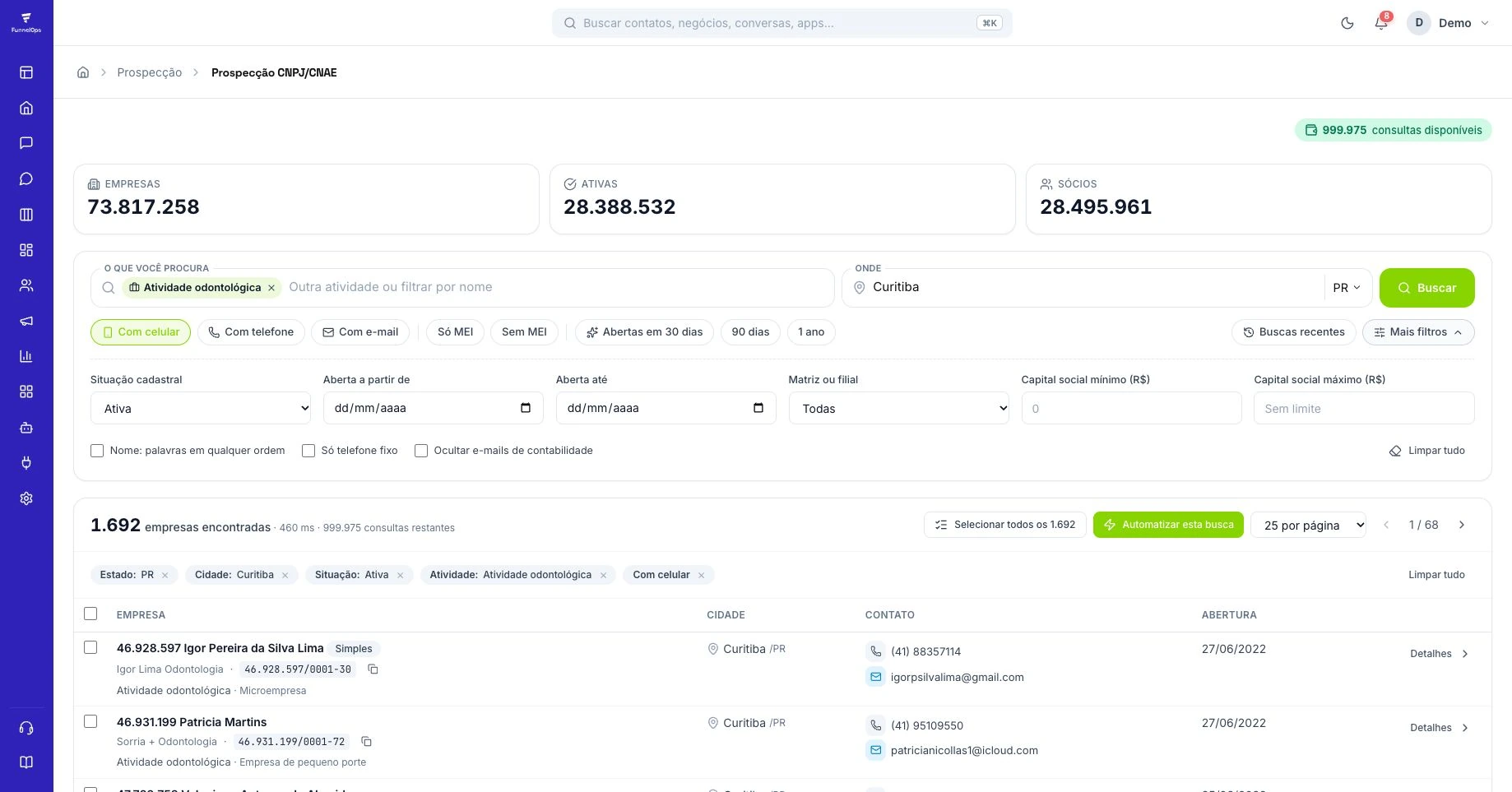
Open Prospecting and select CNPJ/CNAE prospecting. Enter an industry or choose a CNAE, Brazil's economic activity classification. Select the city and state and review the registration status you want. Phone, mobile and email filters help you build a list suited to the channel you intend to use. Check a sample before expanding the selection. Narrow the activity or geography if the results are too broad.
Find businesses opened on a particular day
In the additional filters, set the opening start and end dates to the same day. Use a date range for a broader search. Results reflect records available in the database for those dates, subject to source updates. On November 17, 2026, the CRM's indicators showed 73,817,258 CNPJ records, including 28,388,532 active registrations. These figures describe the searchable database and include both company headquarters and branch registrations.
Move from search results to your pipeline
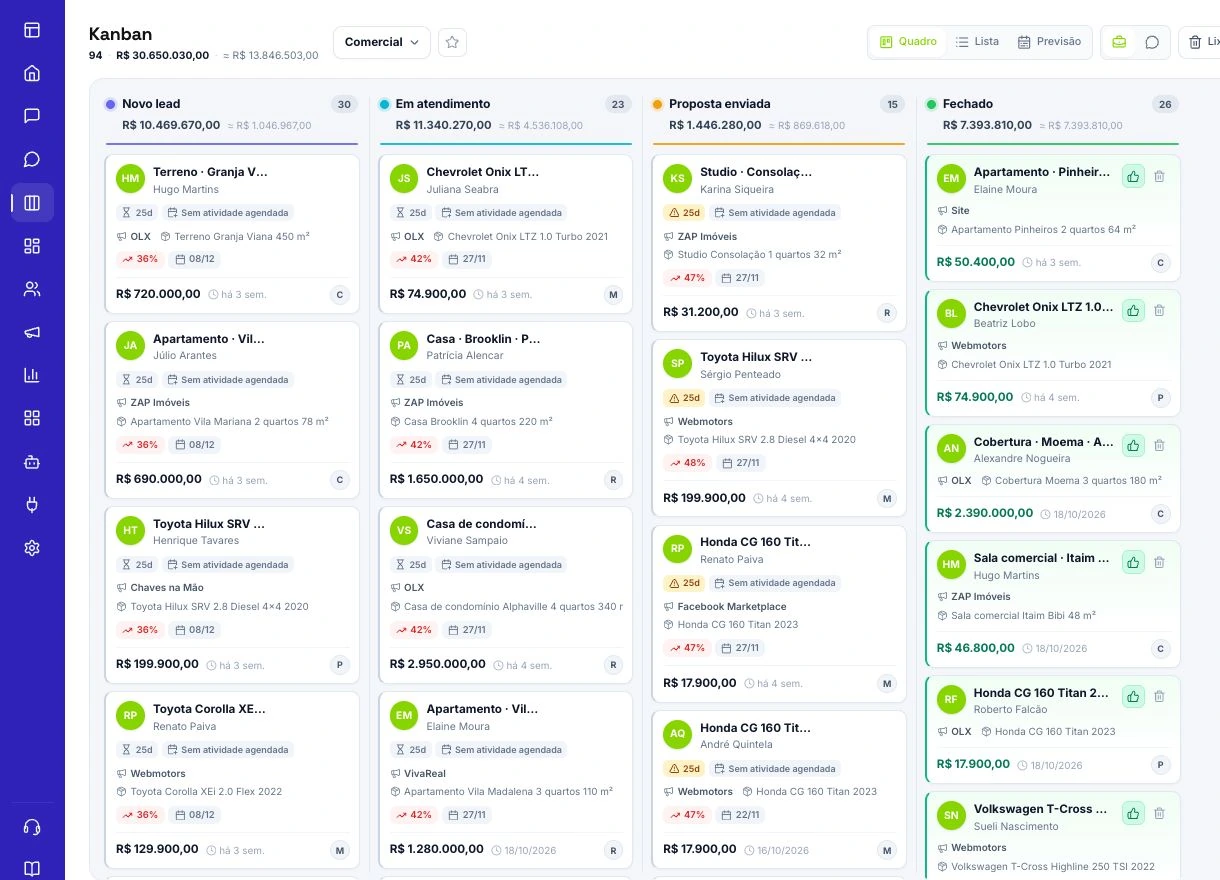
Select relevant businesses and use Import to CRM; choose a Kanban stage in the dialog when you want to create an opportunity. Choose the appropriate pipeline and stage, then add a tag identifying the search. This helps distinguish discovered, contacted and qualified prospects. Open the record to check its details and define the next step. Importing organizes opportunities. Successful outreach still needs an owner, a relevant reason to contact that business and an appropriate channel for beginning the conversation.
Make relevant contact and measure results
Research the business before writing. Explain who you are, why your offer is relevant and what next step you suggest. Respect requests to stop contact and the rules of the channel you use. Record the owner, response and any loss reason in the CRM. Compare searches by useful conversations and qualified opportunities. The number of selected registrations alone does not tell you whether a prospecting campaign is creating valuable sales opportunities.
How to review list quality
Before importing or contacting prospects, check that the list matches your target profile and whether it includes a headquarters and branches from the same business. The database includes establishments with different CNPJ identifiers. Reviewing them prevents treating every record as a separate business group. Also validate the available contact channel and relevance of the offer. Public data supports research, while outreach should respect the context and requests to stop contact.
A reproducible search starts with explicit filters
Test a fictional, reproducible selection: restaurants and similar businesses, CNAE 5611201, in São Paulo/SP, with active registration status and an opening date from November 1 to 7, 2026. These are parameters, not a claim about result counts. In Prospecting › CNPJ/CNAE prospecting, select activity, state and city, then review status and opening-date range in additional filters. Select headquarters explicitly if that is your intended scope.
Record the complete query and execution date. This distinguishes a changed filter from a database update when you repeat it. For one day, both opening dates must match. For a week, retain both boundaries; searching only a month or an industry name can produce a different universe.
A registration opened yesterday may not yet be available from the source. An empty result is not proof that no establishment opened that day. Also distinguish the opening date from when the record reached the CRM: they answer different questions.
Headquarters, branches and shared contacts change list interpretation
A full CNPJ identifies an establishment; headquarters and branches can appear as separate records. Headquarters only may suit a sale contracted centrally. Branches may matter for equipment or services delivered to each location. The choice depends on who buys and where the offer is used, rather than a universal rule to exclude branches.
Review the eight-digit CNPJ root to recognize establishments belonging to the same legal entity. This does not automatically identify an entire corporate group: companies with different roots can share control. Record the unit and confirmed decision-making center so one negotiation is not counted as several independent opportunities.
Check whether the phone or email belongs to the business itself or to a shared service such as an accounting firm. Repeated channels deserve verification before outreach. Without a usable channel, keep the record in research rather than inventing a number or assuming that a public email authorizes any message.
Import a sample and verify the CRM outcome
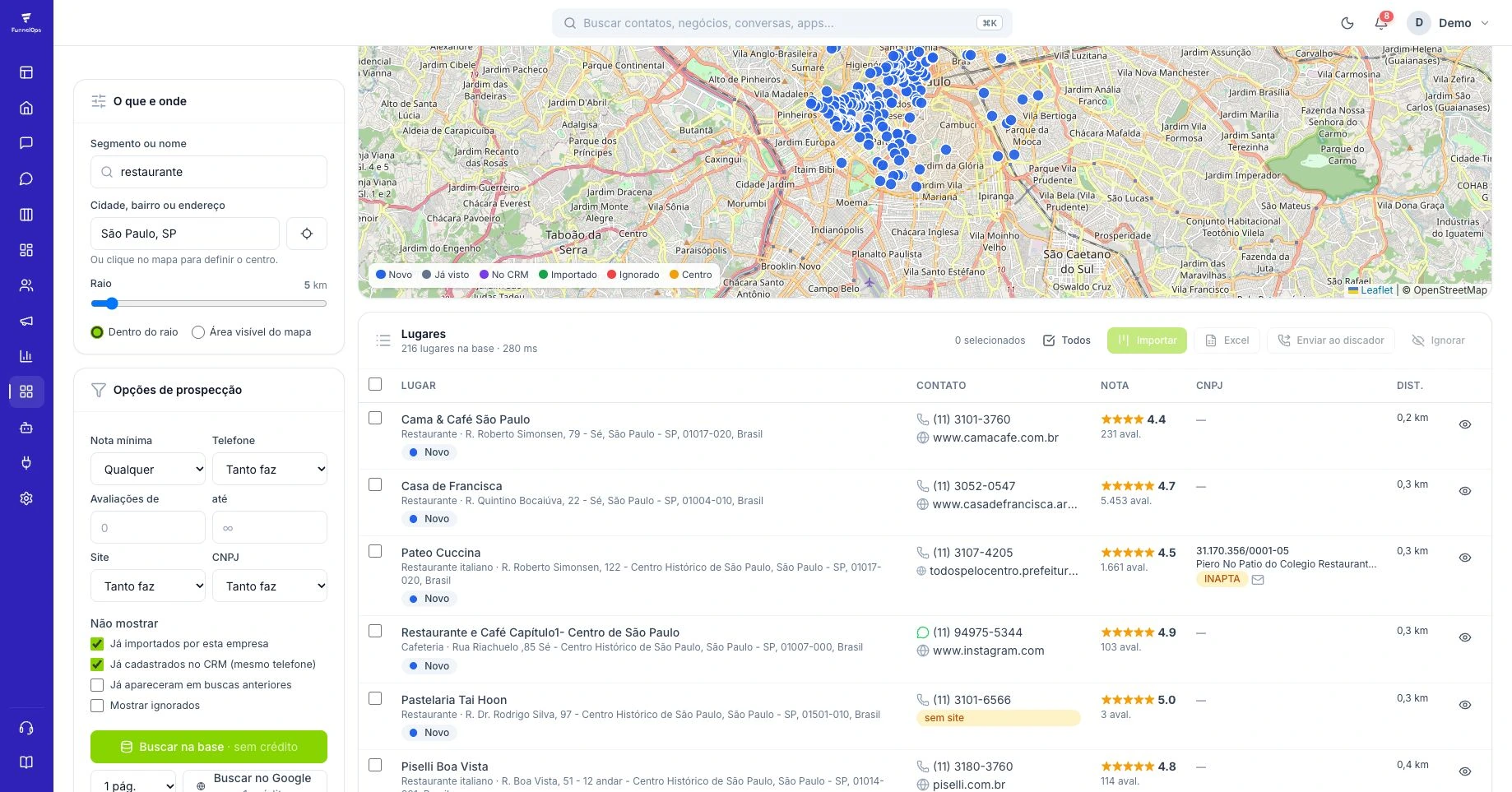
Start with a small sample, such as ten establishments, and use Import to CRM. Review the destination company, Kanban stage and tags in the dialog. Check stage automations before confirming: a new card can trigger the process configured there. To assess data quality alone, use a demonstration destination without active sends and review the account's credits and applicable conditions.
After importing, open the records and compare name, CNPJ, phone, location and the opportunity created or reused. The current results distinguish creation from reuse; do not assume every selected item became a new contact. Also verify the stage and owner.
This reconciliation is the sample's acceptance test. If a phone is unsuitable or an opportunity reached the wrong pipeline, correct the setup before expanding. Importing a hundred records with the same defect only multiplies cleanup work. The first list should teach you which selection is useful, rather than simply filling the board.
Historical search and incoming registrations are different workflows
The CNPJ screen can also prepare a workflow using the page's filters. It starts paused so you can configure its CRM actions. Opening dates can match the receiving day, the previous day, any date or a fixed period. Only registrations received or updated after activation enter this workflow; it does not automatically import the entire search history.
Test the destination and conditions before activation and inspect the records actually received. Track found, reviewed, suitable, contacted and qualified records separately. In a hypothetical example, a hundred results produced forty reviews, twenty-five suitable businesses, ten conversations and four qualified opportunities. Qualification was 4 ÷ 25 = 16% of the suitable selection; these are neither four sales nor a hundred proven unique companies. This helps decide whether to change CNAE, geography, dates or outreach rather than treating database size as list quality.