
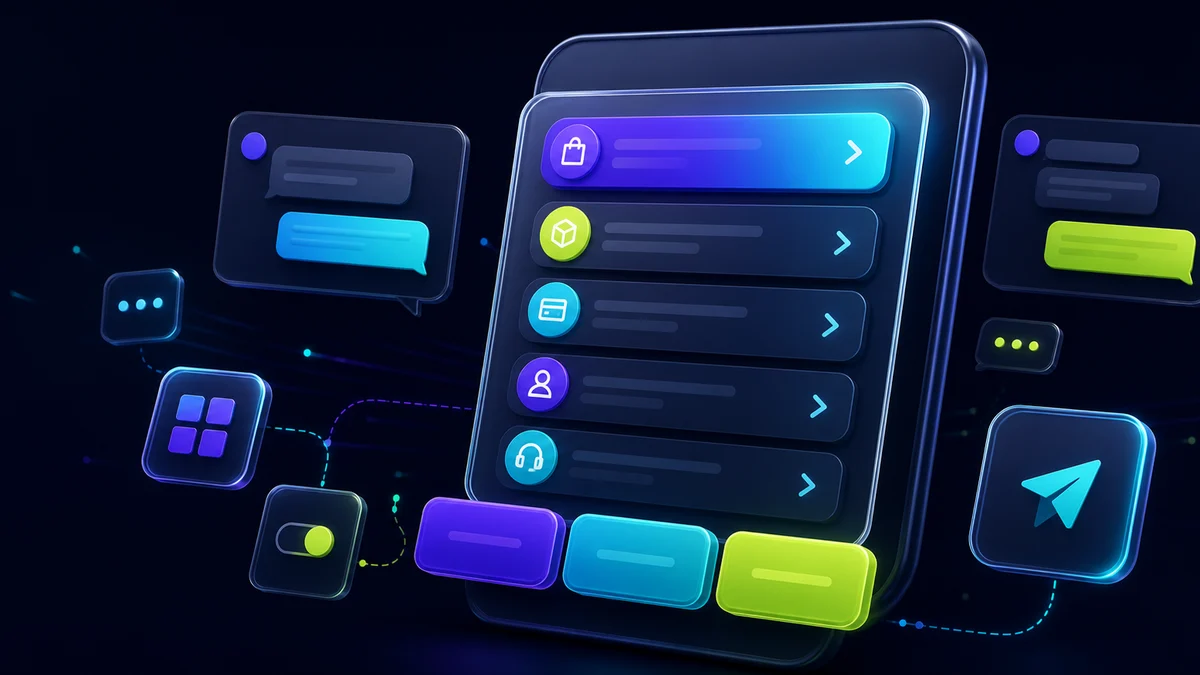
WhatsApp Business's interactive functions, such as menus, lists and buttons, revolutionized the way companies communicate with customers. Understand how these functions work in the official API and what are the limitations when using WhatsApp through the QR code.
What are interactive menus, lists and buttons?
The interactive elements of WhatsApp Business allow you to create more dynamic and intuitive conversation experiences:
- Quick response buttons: Up to 3 short text buttons that the user can click to respond quickly
- Call to action button: Special buttons to visit URLs or make phone calls
- Interactive lists: Menus with up to 10 sections, each with up to 10 elements, allowing you to organize complex options
- Single Selection Menus: Perfect for multiple options where the client selects an option
Operation on the official WhatsApp Business API
The official WhatsApp Business Cloud API (provided by Meta) provides full support for all these interactive features. To use them, you need:
- Verified Business Account: Your company needs an official WhatsApp Business API account
- Commercial telephone number: Dedicated exclusively for use with the API
- Technical integration: Development or use of a platform that connects to the official API
- Adoption of templates: Active messages (initiated by the company) should use pre-approved templates
Advantages of the official API
- Full support for all interactive functions
- Increased reliability and stability
- Compliance with WhatsApp policies
- No risk of prohibition for unauthorized use
- Integration with robust business systems
- Official metrics and analysis
WhatsApp through QR code: possibilities and limitations
Many platforms offer integration with WhatsApp via QR code, connecting to WhatsApp Web. This approach is more accessible but comes with important limitations:
How QR Code Works
When scanning a QR code, you connect your personal or business account of WhatsApp (the same as mobile) to an automation platform. This connection allows:
- Send and receive text messages
- Share media (images, videos, documents)
- Create basic response automations
- Manage conversations by multiple attendees
- Integrate with simple chatbots
Important limitations
Limited interactive resources:
- Quick response buttons: They don't work natively through QR code. Platforms can simulate with numbered text
- Interactive lists: Usually not available, replaced by text menus
- Action buttons: Limited or non-existent functionality
- Approved templates: There is no official template system for active messages
Which solution to choose?
Official API (Recommended)
Better to:
- Medium and large enterprises
- High volume of messages
- Need for advanced resources
- Critical compliance and security
- Integration with complex systems
QR Code (With Reservations)
It can be used for:
- Small business start-ups
- Low message volume
- Tests and initial validation
- Very limited budget
- Basic automation requirements
How FunnelOps works with both solutions
FunnelOps offers flexibility for companies in different stages:
- Connection via QR code: For companies that want to start quickly with basic automation resources
- Gradual migration: Possibility of migrating to the official API when the business grows
- Full Official API: Full integration with all interactive functions of WhatsApp Business
- Specialized support: Technical team to help in the choice and optimal implementation
Conclusion
Interactive menus, lists and buttons are powerful features that significantly improve the user experience in WhatsApp Business. While the official API provides complete and reliable support for these features, the QR code connection has limitations that should be considered.
If you have doubts about what solution is ideal for your business, the FunnelOps team is ready to help you make the best decision.
Published by FunnelOps · 16 Jan 2025